What you will learn This is a chapter for doing, not reading. We hand over a first task in a safe order.
Do not let it edit files from the start. Climb through three stages.
graph TD
  A["Stage 1: plan only<br/>no execution"] --> B["Stage 2: read-only work"]
B --> C["Stage 3: work that edits files"]From a registered working directory card, create a new task and set autonomy to plan only.
The purpose of this stage is not the output but seeing what it intends to do. If the plan is off, the instruction was insufficient — and you want to know that before execution.
If the plan looks reasonable, move to real work. Start with reading and summarising only.
The third matters. Verifying the result is how you calibrate how far to trust this tool.
Now let it actually change something. Start with something small and easy to undo.
That is the four parts of a good instruction applied directly.
Commit before you start. If you use git, undoing is easy. Keeping that safety net for the first few runs is worthwhile.
| Item | Description |
|---|---|
| Working directory | which folder to work in |
| Autonomy level | in detail in the next chapter |
| The instruction | what to do |
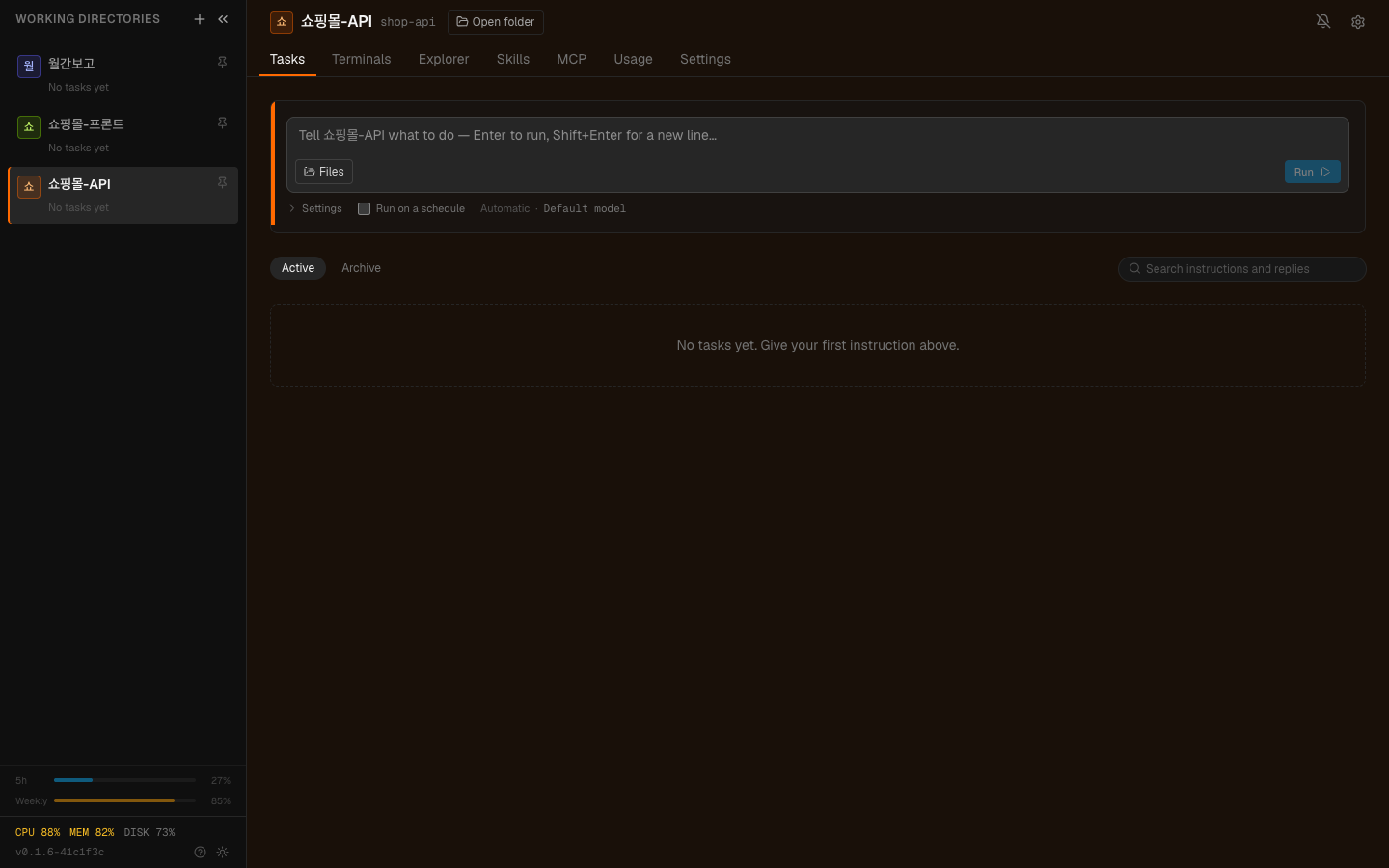
The Tasks tab. Work you hand over stacks as cards with its status.
With several cards you can hand a different task to each simultaneously.
They all run together and the dashboard shows each one's progress. That is why we call it a control room.
The same as what you learned in “Your first try” — keep talking.
Start with "refactor the whole codebase" and you can neither confirm what it did nor undo it. Start small and build trust is the right order.
Execute straight away and you find out "why did it touch that?" after the fact. For the first few runs, seeing the plan is much faster.
For the first few, check the result yourself. You need a feel for where it is right and where it goes wrong before you can decide how much to hand over.
1. Why start with the "plan only" stage?
To see what it intends to do before execution. If the plan is off, the instruction was insufficient — and you want to know that before any file changes.
2. Why verify the result yourself at stage 2?
To calibrate how far to trust it. Only by verifying can you judge how much to hand over.
3. What do you gain by handing tasks to several cards at once?
They run together without waiting on each other. The dashboard shows each one's progress, which is why it is called a control room.
Now autonomy levels in detail → Deciding how much to hand over
Understand the structure of this project, and plan what you wouldchange to improve the README and how.Do not actually modify anything.List the files in this project that have no tests.Give me a table of the file path and a one-line description of what it does.Do not modify any files.[Goal]Bring the "Installation" section of README.md up to date.[Scope]- Modify README.md only- Do not touch other files[Done condition]- Matches the scripts currently in package.json- Commands are in a form you can copy and run directly[Context]- This project uses pnpm (not npm)shop-api → "list files with no tests"shop-frontend → "find unused components"docs-cleanup → "turn 3 meeting notes into a table"Add a "last modified" column to the table.And exclude the test files themselves from the list. HyperTeams