What you will learn How the terminal differs from a task, and how to open what you built at a URL.
If terminals themselves are new, start with The terminal and commands.
| Task | Terminal | |
|---|---|---|
| Character | give it a goal and it proceeds | you type the commands |
| Ending | finishes when complete | stays open |
| Used for | delegating | checking and operating |
If a task is "do this for me," the terminal is the terminal you always used, opened in a browser.
The biggest characteristic.
Close the screen or refresh it and the terminal is still there.
graph TD
  A["Start a dev server in the terminal"] --> B["Close the browser"]
  B --> C["The server keeps running"]
  C --> D["Reopen later<br/>and it's exactly as it was"]
A normal terminal kills its processes when the window closes. This one does not.
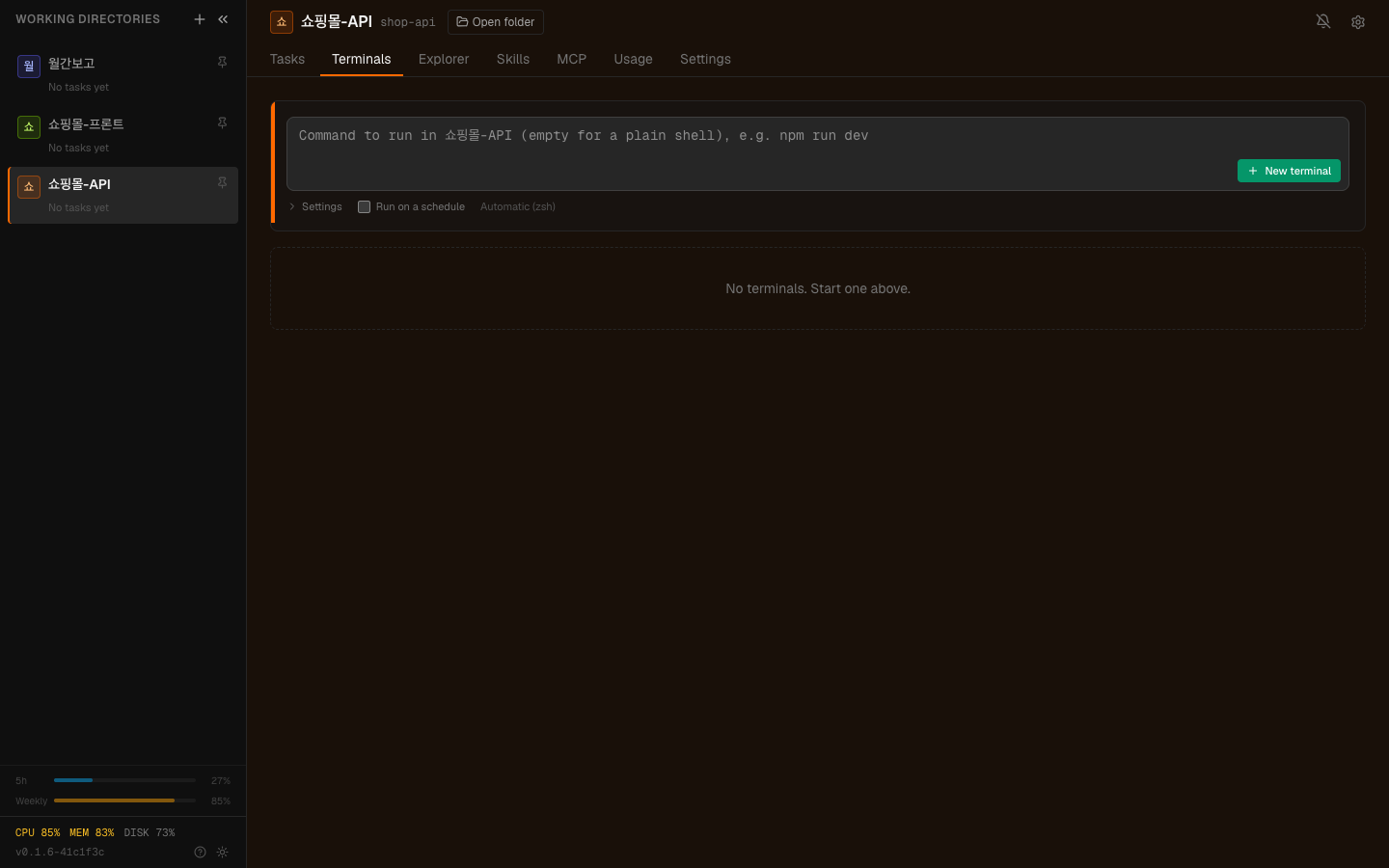
The Terminals tab. Sessions opened here survive closing the screen.
Start something like a dev server in the terminal and you can open the result at a single address.
In the terminal: npm run dev (running on port 3000) ↓A link appears on screen → click it and that screen opensWhere this is useful:
| Situation | Use |
|---|---|
| Showing a colleague | send them the address |
| Checking on a phone | verify the mobile layout |
| Comparing versions | split ports and run simultaneously |
If you set up access from outside, that address opens externally too. Then you can send a colleague the link.
In practice you mix them like this:
Building goes to tasks, checking goes to the terminal.
A task's autonomy level applies to the agent. The terminal is you typing directly, so that setting does not apply.
Which means whatever you type in the terminal runs. Type a command that deletes files and files are deleted.
Staying alive is both the advantage and the caution. Leave several dev servers running and forget them and they keep consuming your machine's resources. Clean up terminals you are not using.
Accumulating log output makes the screen heavy. When needed, opening a fresh terminal is better.
1. What is the difference between the terminal and a task?
A task means giving a goal and letting the agent proceed, ending when complete. The terminal is you typing commands directly and it stays open.
2. What happens to the terminal when you close the browser?
It stays alive. A normal terminal kills its processes when the window closes; this one does not. That is why you can leave a dev server running and come back later.
3. Why do autonomy settings not apply to the terminal?
Because you are typing directly. Autonomy levels apply to the agent; in the terminal whatever you type simply runs.
Now work that runs automatically at a set time → Scheduled runs
□ leave a dev server running and check it from your phone□ start a long build and go out□ leave a log streaming and glance at it occasionally□ start something at the office and continue at home1. As a task: "add a social login button to the login screen"2. In the terminal: npm run dev3. Open the link: see how it actually looks4. As a task again: "widen the spacing between the buttons a bit" HyperTeams